

Introduction:
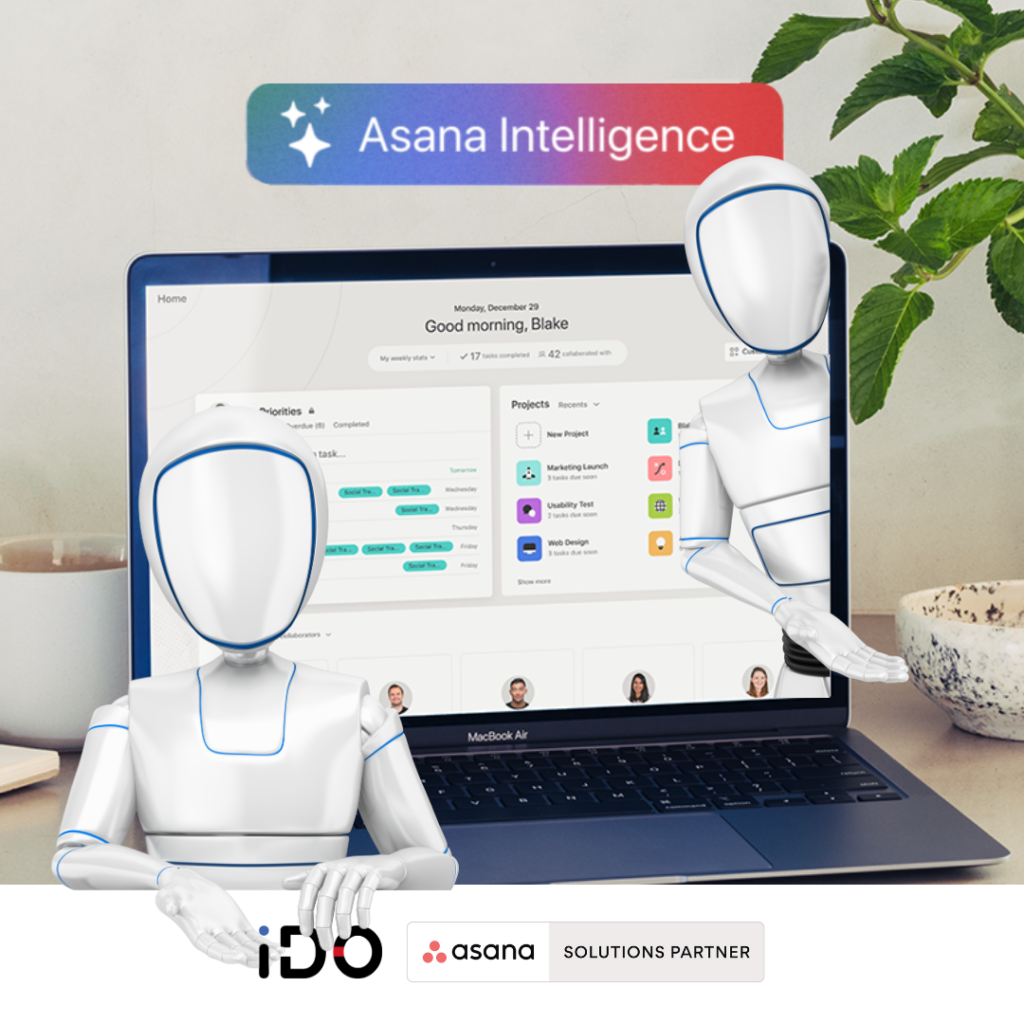
Artificial Intelligence (AI) is revolutionizing many platforms, and Asana is no exception. Discover below the new AI-based features integrated into Asana.
1. Smart Editor:
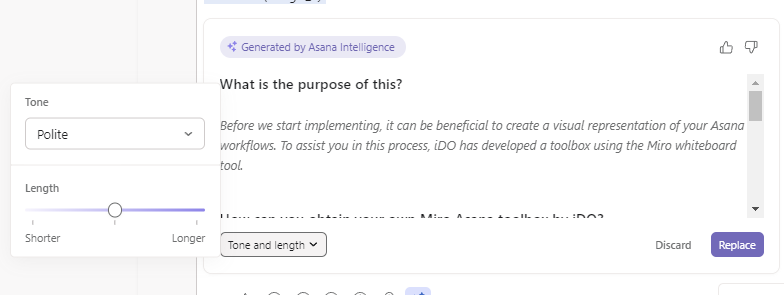
Asana’s Smart Editor helps you write clearer, more powerful responses with the right tone.
Use in task description:
- Open the task details pane and write a description.
- Select the AI assistance options in the formatting toolbar.
- Asana AI will automatically correct grammatical and spelling errors.
- Adjust length and tone via the pop-up window.
Use for comments:
- Once you’ve written a comment, select « Edit text » before confirming.
- This works in a similar way to task descriptions.
2. Smart Summaries:
This feature provides action points and highlights of tasks and comments without the need for an additional meeting.
Summary of task content and comments:
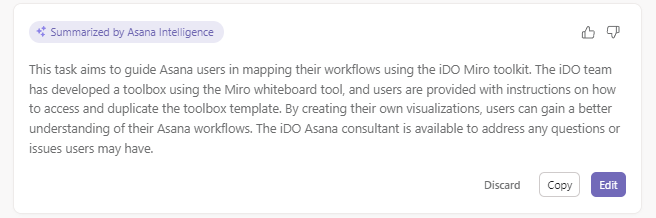
- Select « Summarize task » to have Asana’s AI generate a preview of the summary.
- Once the summary is available, you can Abandon, Copy or Edit it.
- (Bonus) By editing it, you can combine the result with the Smart Editor.
Creating automatic subtasks:
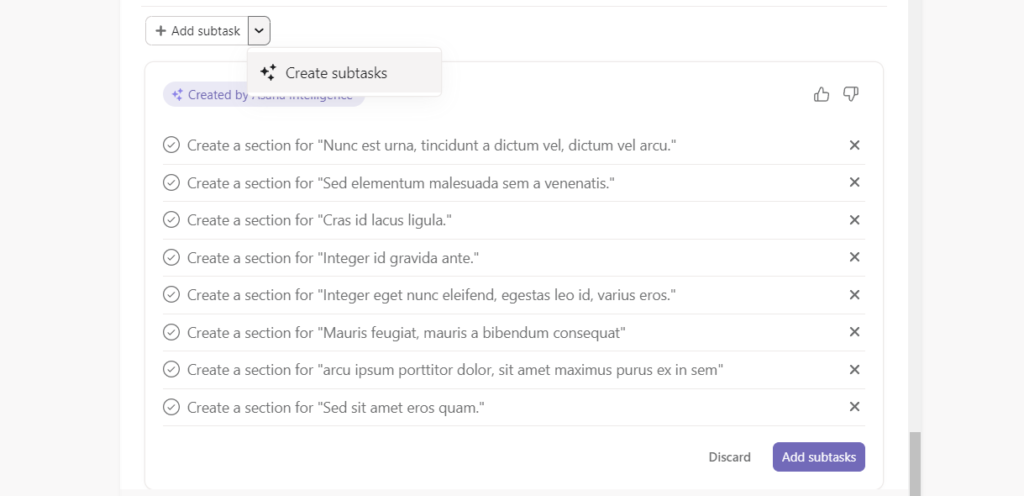
- AI can also generate examples of sub-tasks based on the main content of the task.
3. Smart Fields:
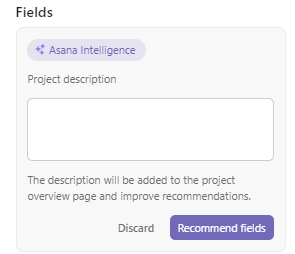
These are custom fields automatically generated in your projects.
To add automatically generated custom fields:
-
Open your project and click on the Customize button in the top right-hand corner.
-
Select Recommend field options.
-
Asana AI will create a number of field recommendations.
To automatically fill existing custom fields:
-
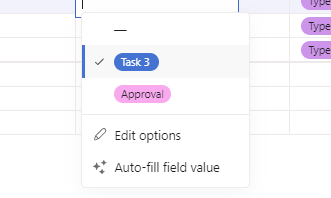
Within a project, click on the drop-down arrow next to the name of a custom field.
-
Click on Auto-fill field value.
-
To find out more about using Asana AI, visit the Asana Help Center.
Available soon: winter 2023
4. Smart Status:
Create more comprehensive status updates faster with AI that draws on real-time work data to identify risks, outstanding issues and obstacles to achieving goals.

5. Smart Answers:
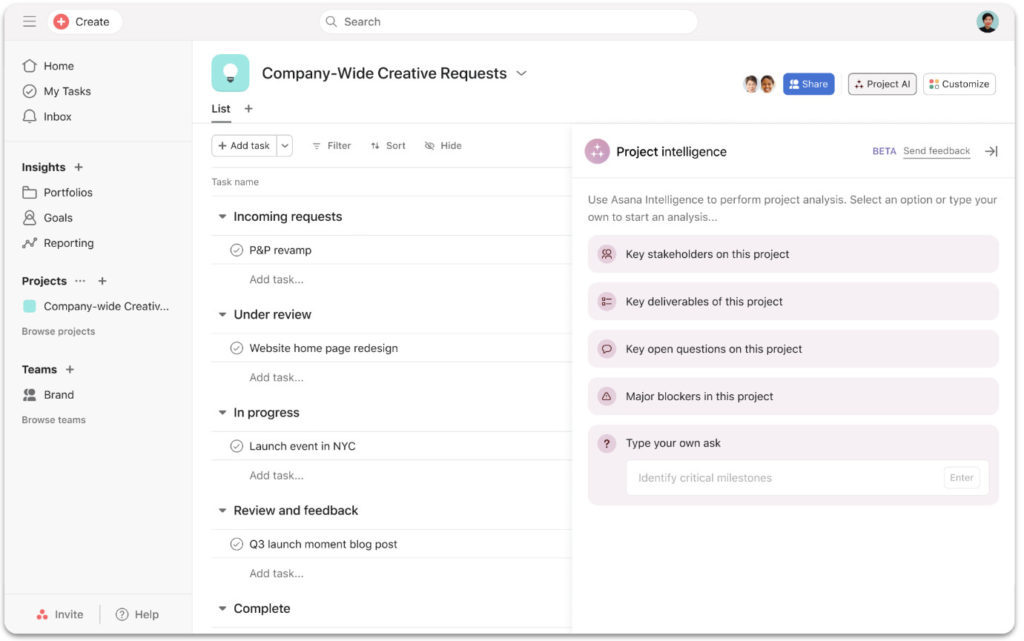
Use natural language to ask Asana questions and get timely answers and information about projects, identify blockages and determine next steps. Finally, a kind of ChatGPT integrated with Asana.
FAQs
What guarantees does Asana offer in terms of AI?
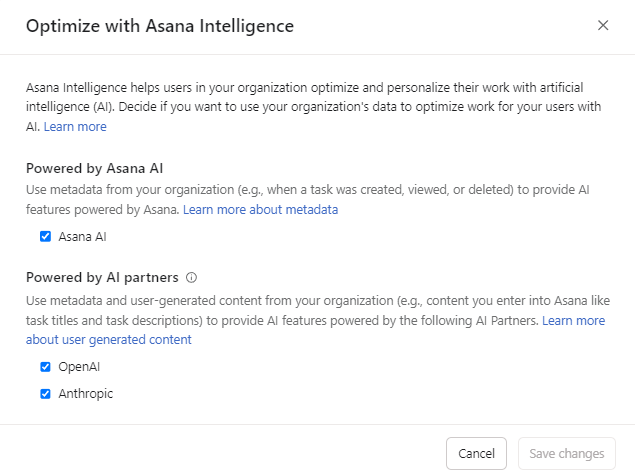
Good news, Asana’s AI partners (Open AI & Anthropic) adhere to the following guidelines:
- They do not use your data to train or improve their AI models.
- They must configure their services to be able to quickly discard your data following any query and/or response.
Can I configure or deactivate Asana’s AI functions?
Yes, it’s possible via the admin console, « Settings » tab, then « Optimization with Asana AI. »
Additional links